UC Berkeley Health Insurance Waiver Application Tutorial
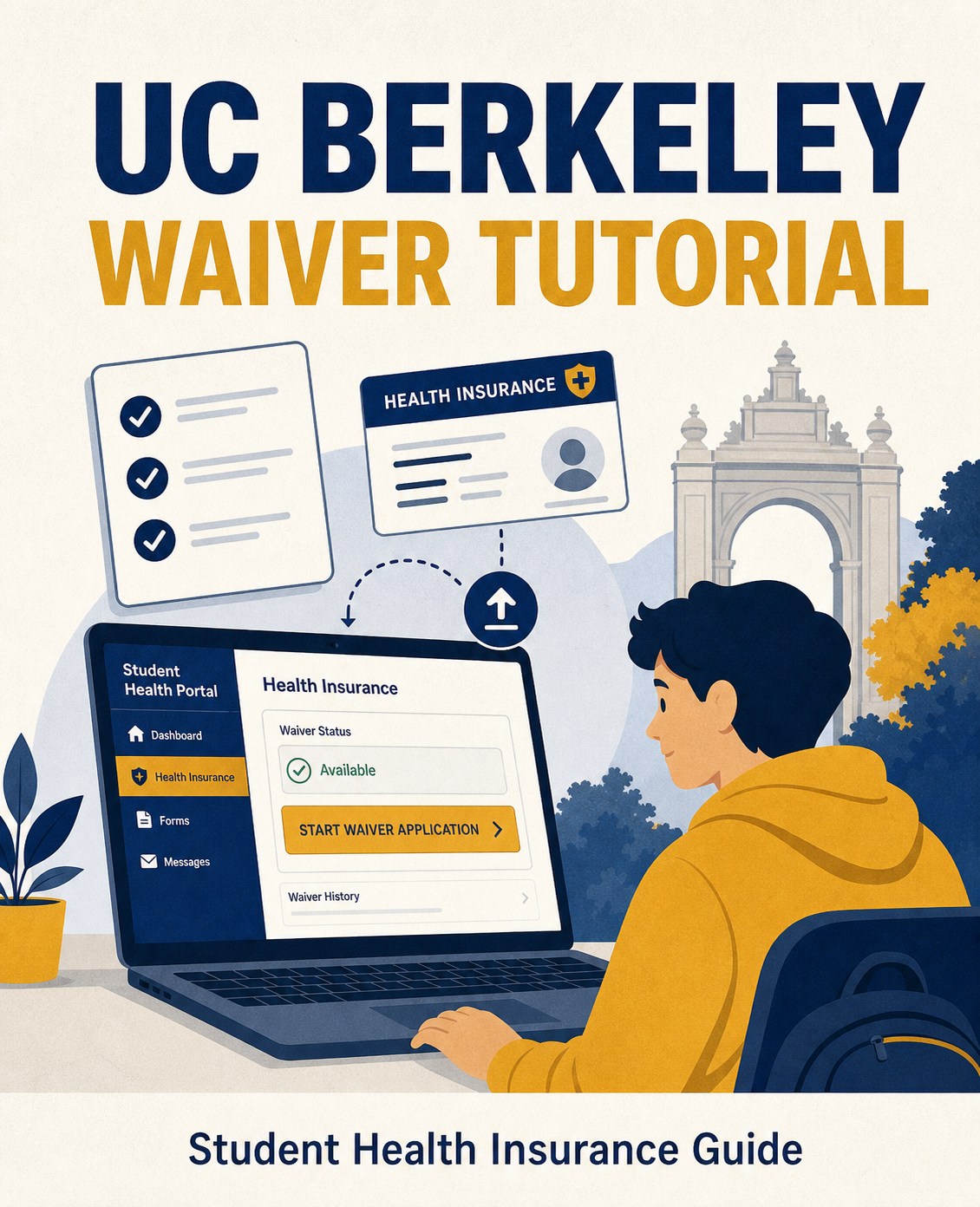
UC Berkeley Health Insurance Waiver Application Tutorial
Step 1: Log in to the Waiver Submission Page
Open the official UC Berkeley waiver link below:
https://uhs.berkeley.edu/insurance-ship/waiving-ship
Enter your student ID and password to log in to the UC Berkeley waiver system.

Step 2: Fill Out the Form and Upload Your Insurance Card
Follow the instructions on the waiver form to complete each required section.


Required documents:
- Front and back screenshots of your insurance ID card.
- Make sure screenshots are clear. We recommend enlarging the card before taking screenshots.
Step 3: Submit Your Application and Wait for Review
Click “Proceed” to submit your waiver application.
Once approved, you will receive an email notification from the school.
If you have not paid tuition yet, the school insurance fee will be automatically removed from your bill. If you have already paid, the fee will be refunded to your MySHR student account, where you can withdraw it or leave it for future charges.
