UCSB Health Insurance Waiver Application Tutorial
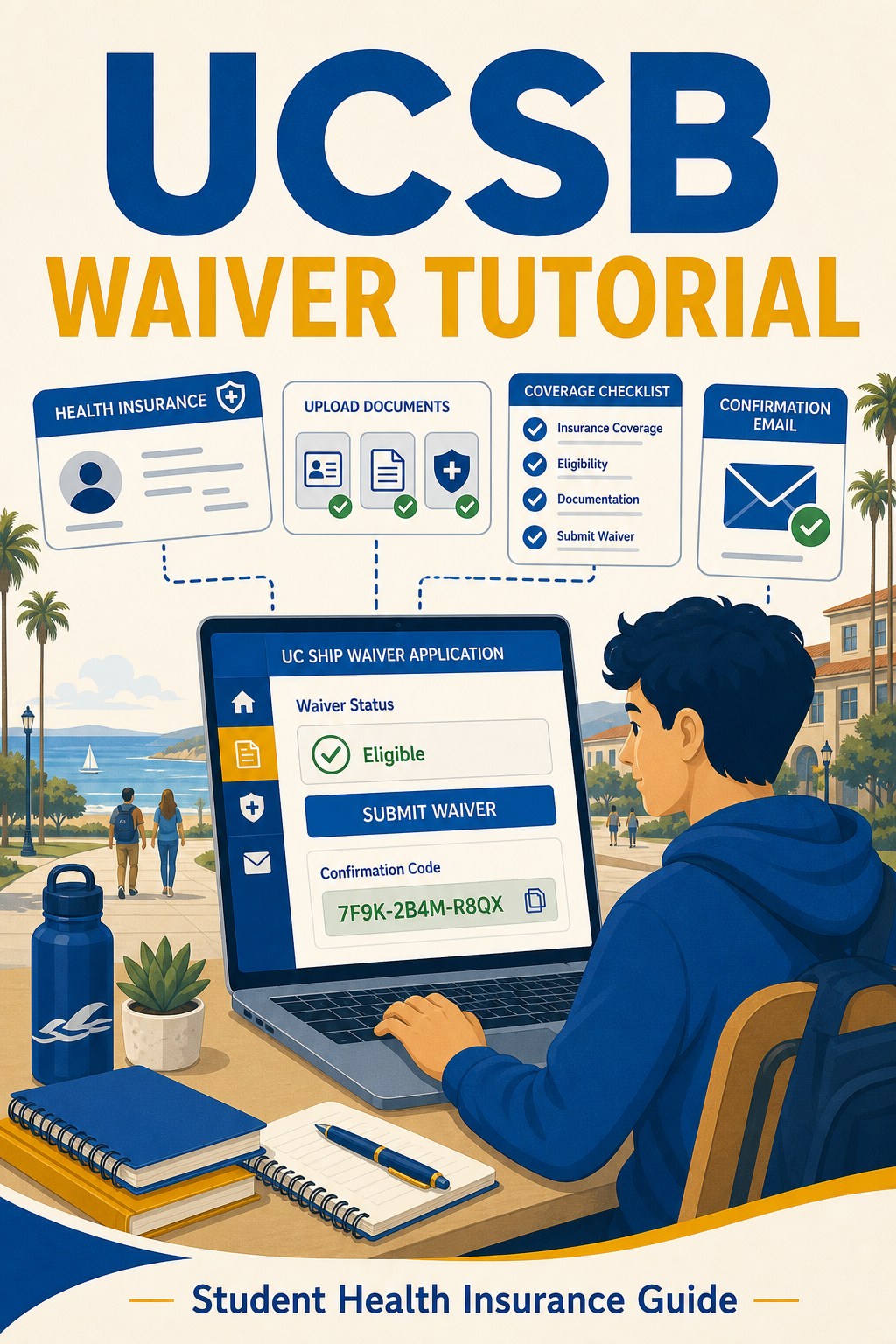
UC Santa Barbara Health Insurance Waiver Application Tutorial
Step 1: Open the UCSB Waiver Page
Open the official UC Santa Barbara UC SHIP waiver page below:
https://studenthealth.sa.ucsb.edu/insurancebilling/waiving-uc-ship-health-insurance
Follow the school page to access the waiver system during the designated waiver period.
Step 2: Complete the Health Insurance Questions
Answer the waiver questions based on your own insurance plan. The screenshots show where to choose your plan type, Medi-Cal status, coverage access, covered services, and waiver reason.

Continue through the remaining coverage questions, including U.S. coverage, policy language, claims office information, maximum benefit limits, pre-existing condition waiting periods, lifetime maximums, and activity-related coverage.

Step 3: Upload Insurance Documents and Enter Personal Details
Upload proof of insurance coverage, including your insurance ID card and supporting policy or benefits document. Then enter your student information and policy holder information.
If the policy holder is yourself, use your own information. Fill in the member ID, insurance company name, phone number, and other required fields from your insurance card and confirmation documents.

Step 4: Sign, Submit, and Save the Confirmation
Read the student agreement, sign the waiver form, and submit it. After submission, confirm that you receive a confirmation email or confirmation code and keep it for your records.
