UCSD Student Health Insurance Waiver Application Tutorial
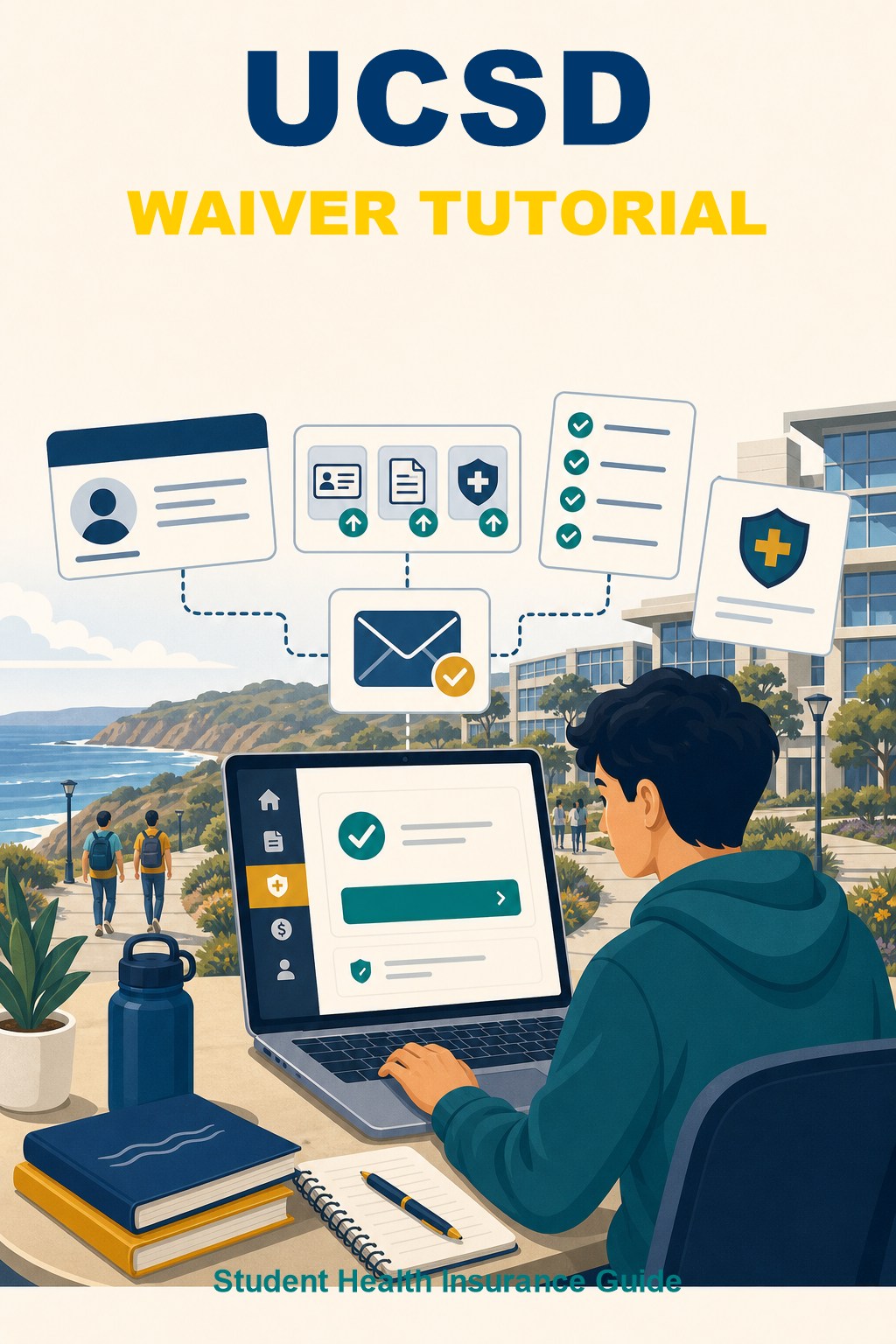
UC San Diego Health Insurance Waiver Application Tutorial
Step 1: Open TritonLink and Log In
Open the UCSD TritonLink / students page below:
https://students.ucsd.edu/index.html
Go to “Financial Tools”, select “Health Fee Waiver/RAFT”, and sign in with your TritonLink username and password.

Step 2: Review the Waiver Information
After entering the Academic HealthPlans waiver system, review the pre-populated information, deadline, and important instructions before completing the form.

Step 3: Complete the Health Insurance Questions
Answer each question according to your own insurance plan. The screenshots show where to select the plan type, Medi-Cal status, network access, covered services, and waiver reason.

Step 4: Upload Documents and Submit
Continue through the remaining coverage questions, then upload the required supporting documents, such as your insurance card, insurance policy, and confirmation letter if requested.
Submit the waiver after all required fields and documents are completed, then keep your confirmation record for future reference.
